Texture scanning
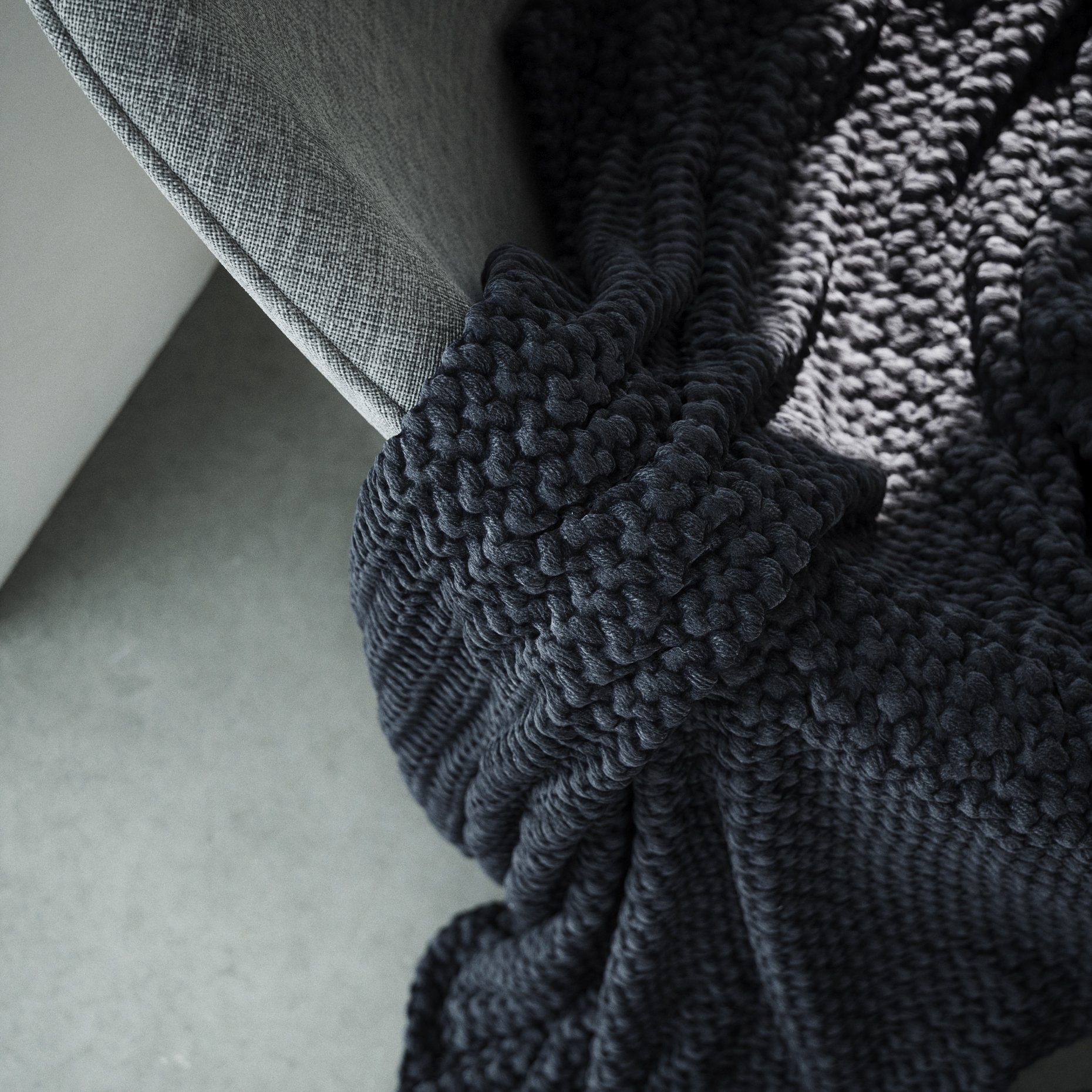
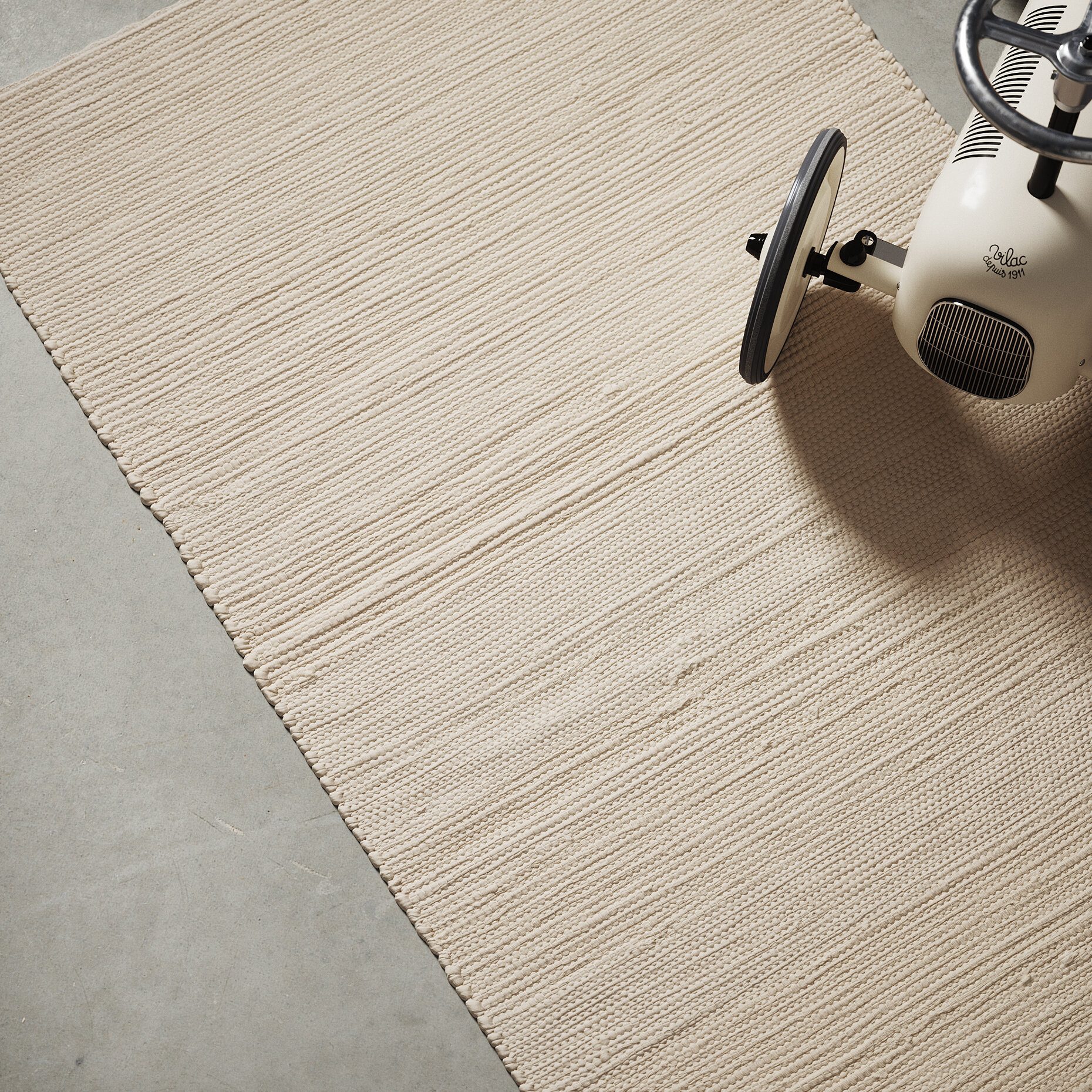
Together with a colleague, I built a scanning setup to capture real material surfaces, including their height and depth, rather than a flat photo of them. The scans become textures that hold up in close-ups as well as in wide shots.
All scans and renders are made without generative AI.
- Tool
- Scanning setup built with a colleague
- Capture
- Several cameras and lights over a large surface
- Output
- Normal and displacement maps
- Use
- Seamless textures for 3D rendering
From sample to material
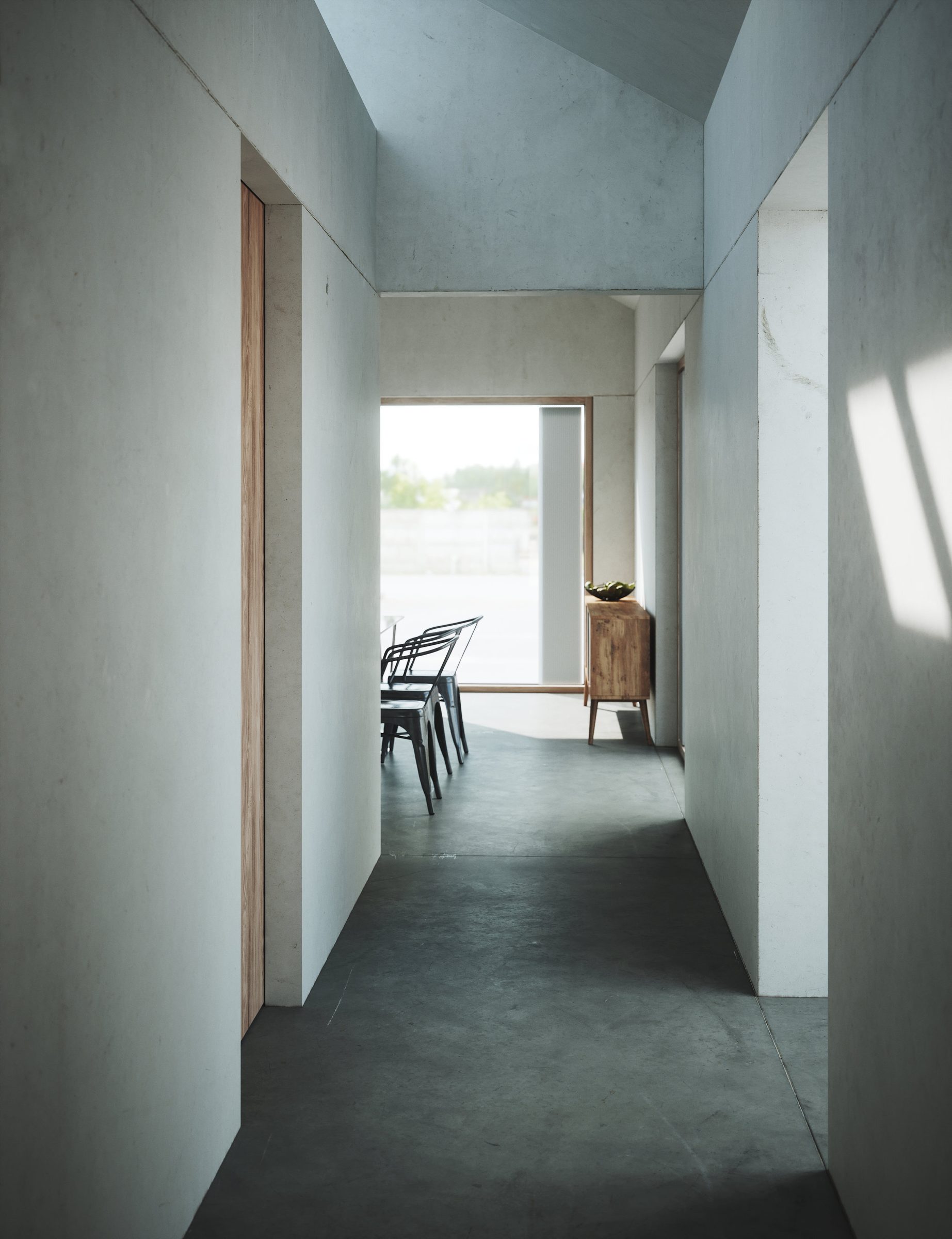
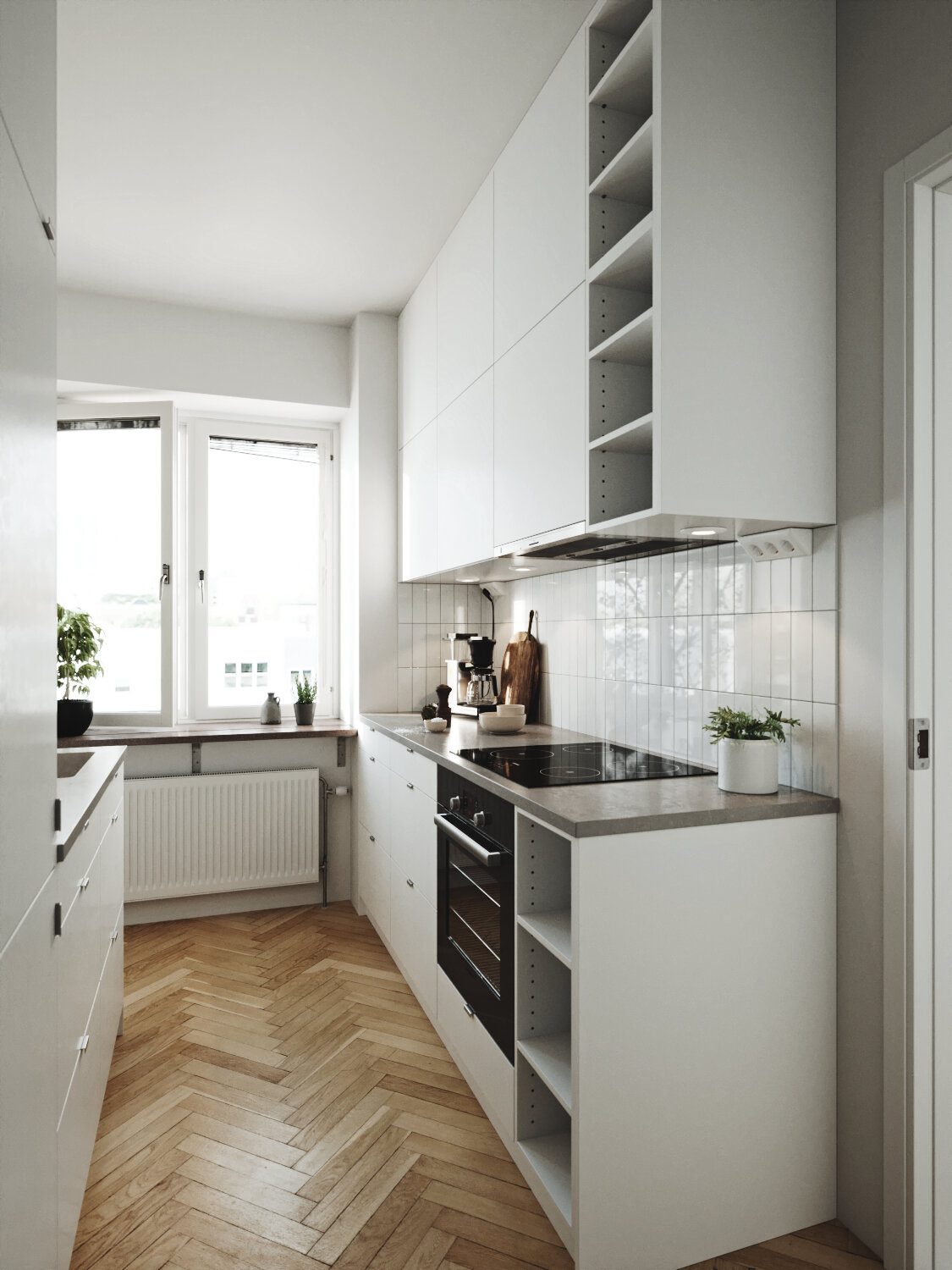
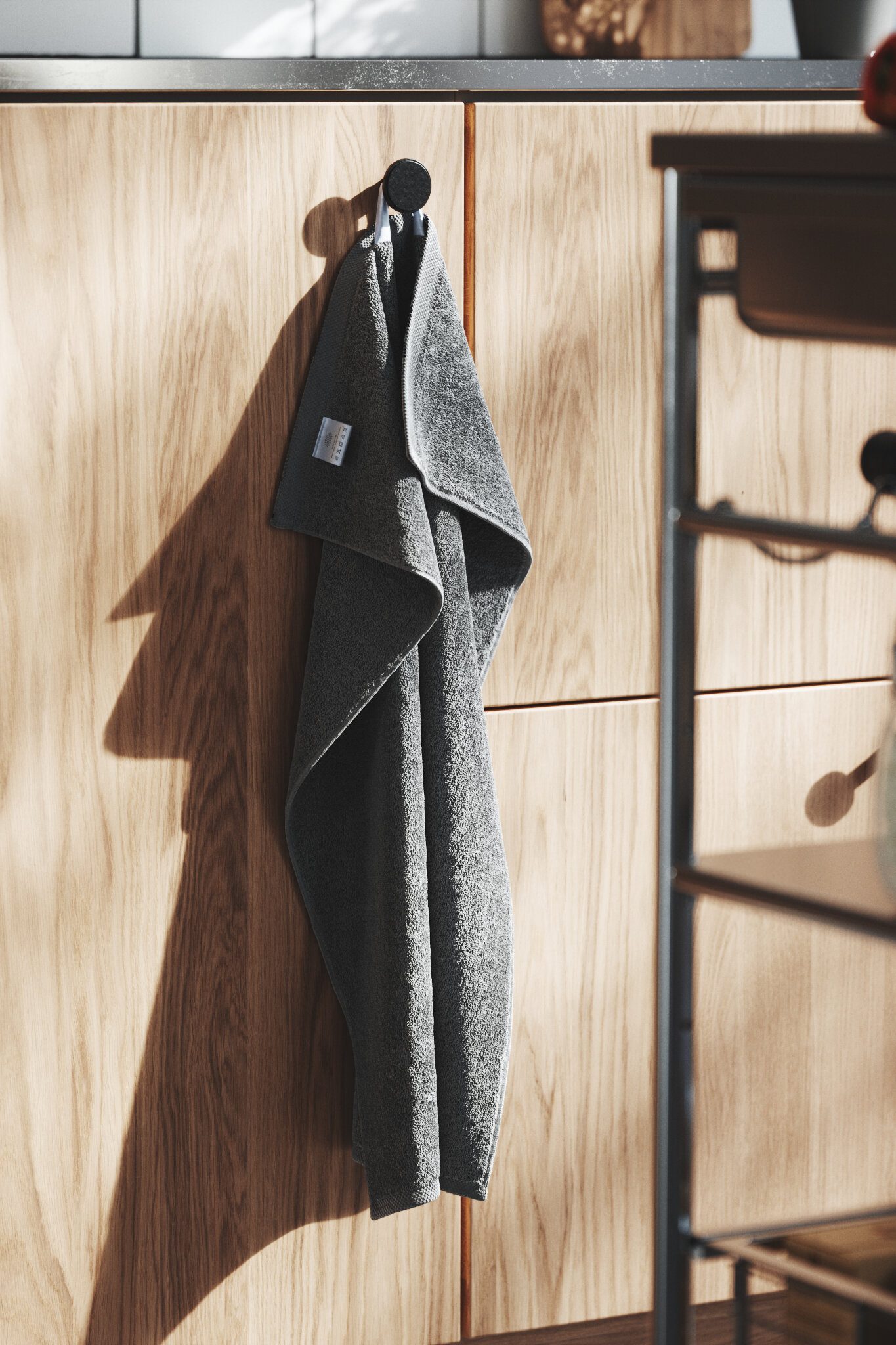
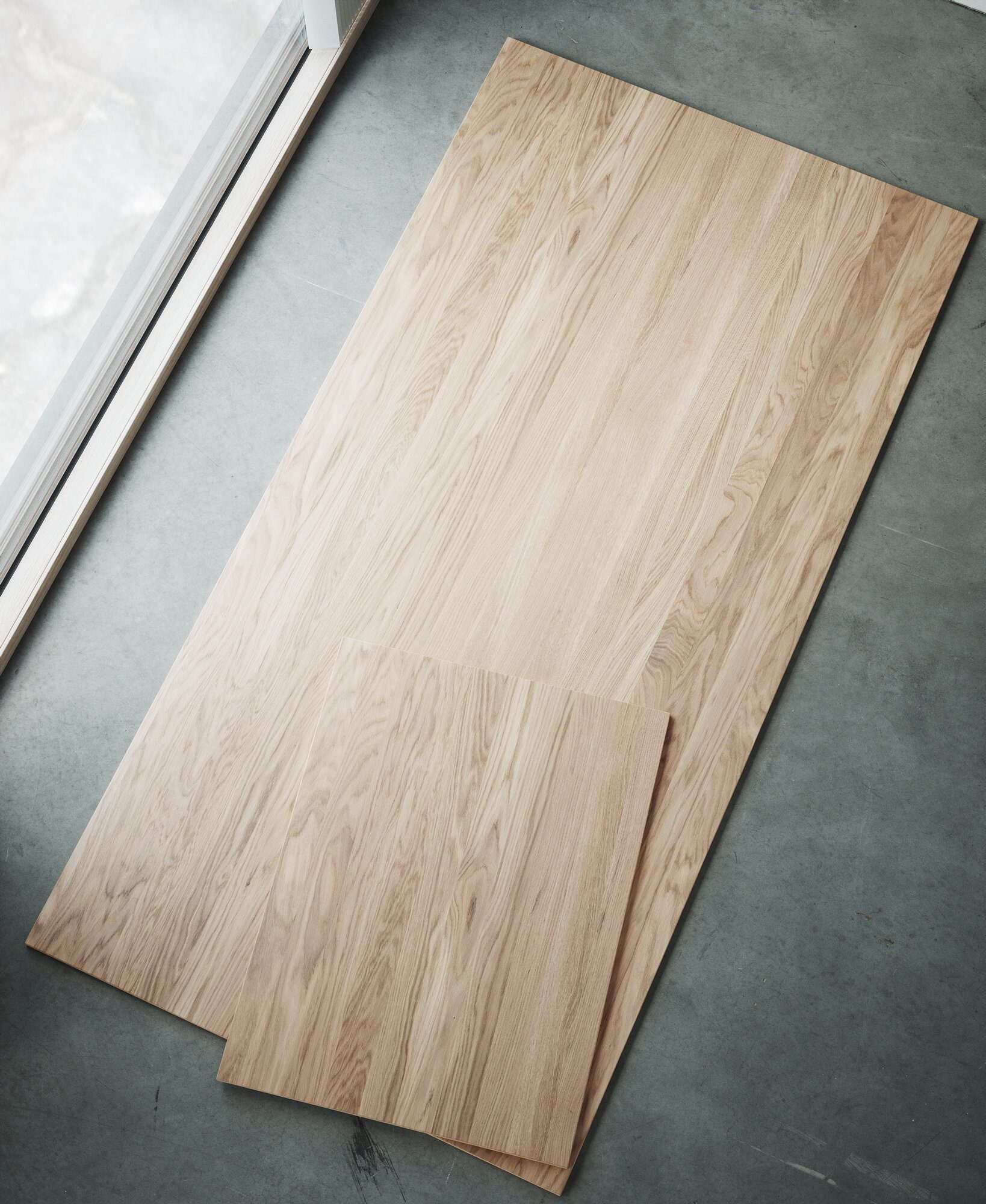
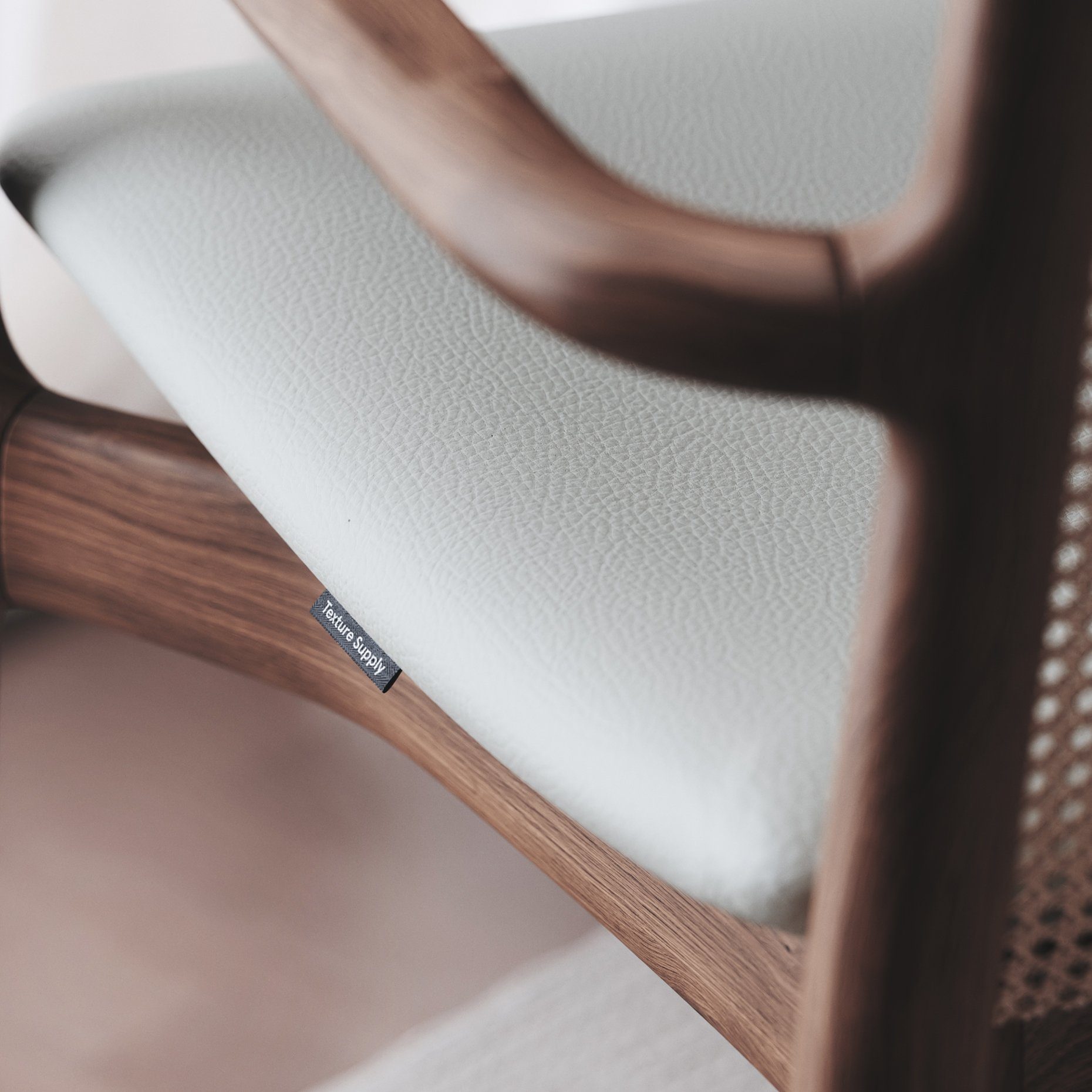
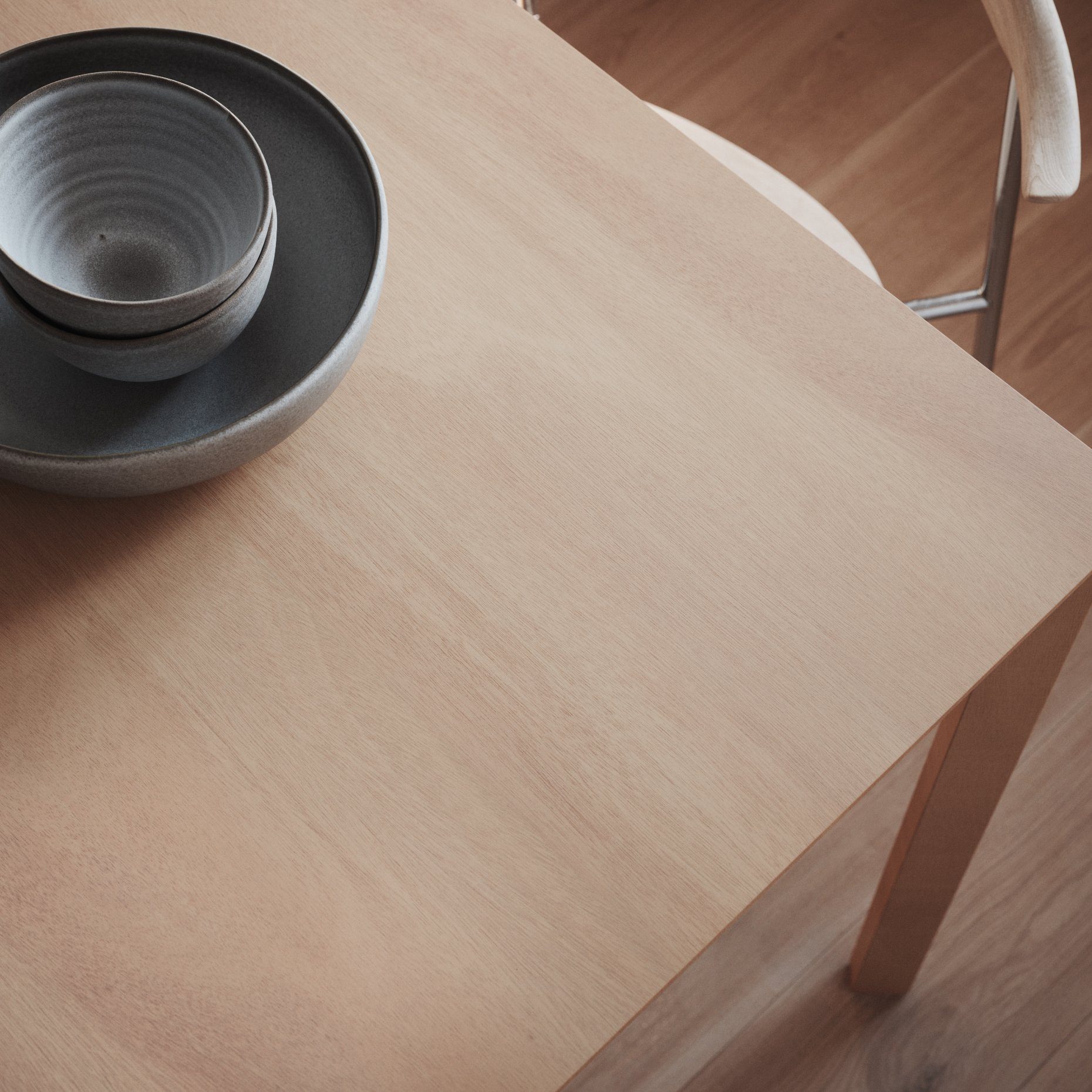
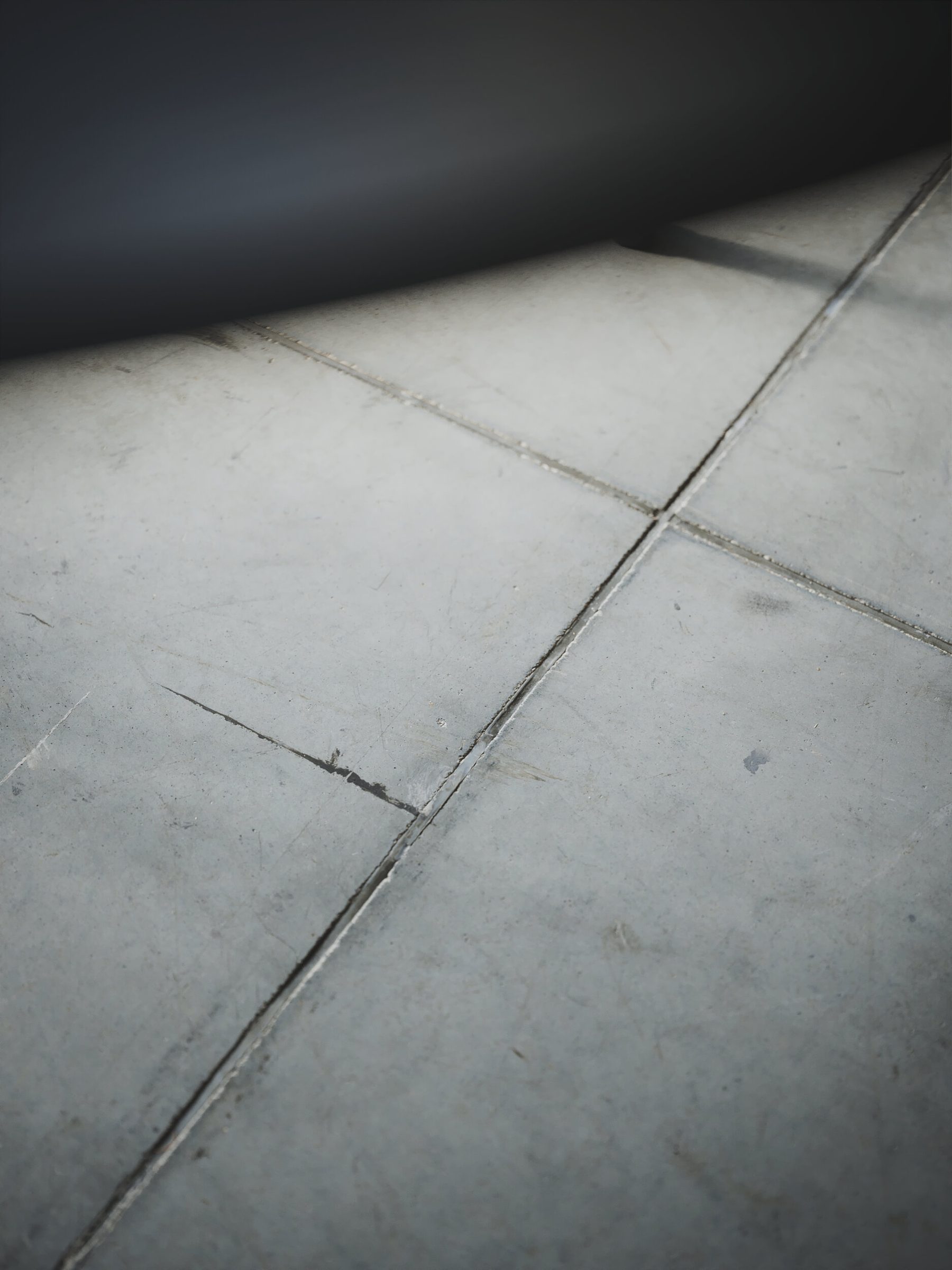
How a real surface becomes a texture I can use in a scene. The images show finished textures from the library.
-
Capture
01The material is laid out and photographed with several cameras and lights across a large area.
-
Process
02The raw captures are processed into normal and displacement maps that describe the surface.
-
Retouch
03We retouch and tile the maps by hand into a seamless texture.
-
Test
04Each texture is tested in renders, and we go back to fix what does not look right.
Why we built it
Many ready-made textures did not give us the sense of realism we were after, so we started scanning materials ourselves.
How it helps
The scan records the height and depth of a surface, not only its colour. Retouching and tiling by hand then make the texture large enough to hide repeats while keeping the detail.
Where it is used
The textures are made for 3D rendering and work in close-ups and wide shots alike. They are collected in our shared texture library, texture.supply.